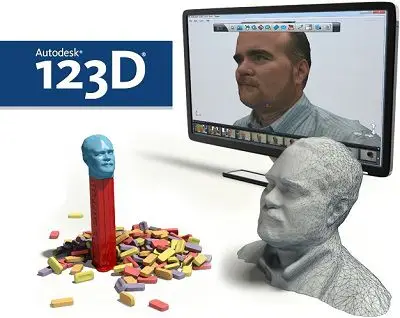
123D Catch is a completely free photometric reconstruction program from Autodesk. That is, it converts our images into 3D models. To do this, you only need to take several photos of the object from different angles.
Using the program is really simple. We create a free account by registering with our email address and download the program. Within it, we choose the photos we want to use, and they are computed on Autodesk’s servers. This way our computer doesn’t perform any calculations, allowing the program to work even if our computer isn’t powerful. The program does the work automatically, and the user only has to worry about providing the images of the object.
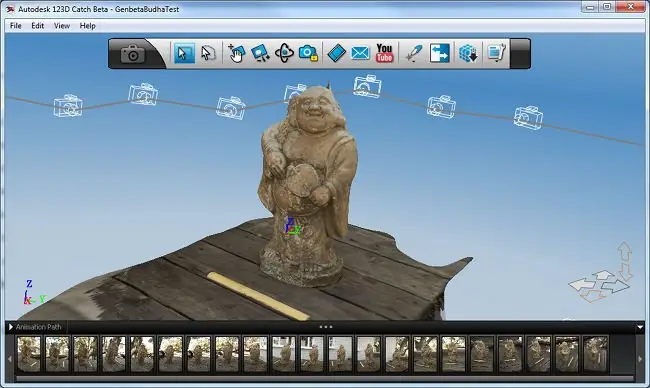
For the process to be carried out properly, the important thing is to take an adequate series of images around the object. It is necessary that the images are ordered, meaning each image sees part of the previous one, without forgetting the top of the object. About 15 photos should be sufficient. It’s best to go around the object a couple of times, taking photos every 20 - 25 degrees approximately, and then finish with a round of about 6 images from the top.
Any modern camera will yield good results. The accuracy obtained will depend mainly on the images we have taken, the lighting of the scene, and the material of the object (better if it’s not shiny). In general, impressive results are achieved with very little effort. Below is the program’s presentation video, showing models of figures, people, and buildings obtained with this program.
Update: Autodesk has discontinued its 123D line of applications and replaced them with features from TinkerCad, Fusion 360, and ReMake, so 123D Catch is no longer available.