

Barrier is an open-source KWM software for controlling multiple computers with a single keyboard and mouse.
It is very useful when we work with multiple computers, whether at home or at work. For example, you can have your desktop computer and a laptop, and control them with a single keyboard or mouse.
We simply have to move the mouse from one screen to another, as if it were a single PC with multiple monitors. When we “move” to the other computer, we will be performing actions and typing on it.
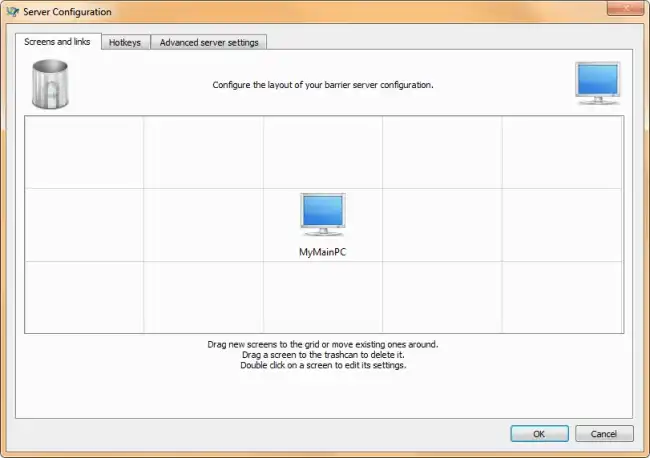
To start using Barrier, we must install the program on all the computers we want to control. One of these will act as the server, and the rest as clients.
Next, we must configure Barrier on each computer, indicating the server’s data (the IP). It’s a very simple process, but make sure the firewall doesn’t cause any trouble.
Once the network is configured, we only have to move the cursor from one screen to another, and Barrier automatically switches to the next computer on the network. It is also possible to configure different keyboard shortcuts to switch between computers.
Barrier is cross-platform and compatible with Windows, Linux, and MacOS operating systems. So yes! you can control your Linux machine from Windows, and vice versa.
Furthermore, Barrier is Open Source, and all the project’s code and documentation are available in its repository at https://github.com/debauchee/barrier
