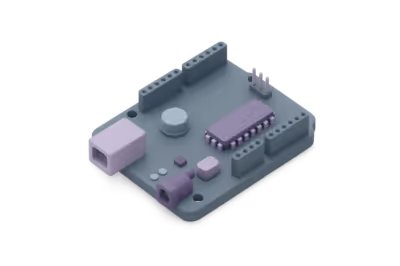
This simulator helps you practice how components are connected on a breadboard without building the circuit physically.
- Place components and wires on the board.
- Check which rows and columns are internally connected.
- Try quick changes to understand prototype wiring.
Breadboards look simple, but many faults come from placing one pin in the wrong row. Practicing the board geometry helps a lot.