

Surely on more than one occasion you have wanted to give a more modern look to your desktop applications.
XAML on Windows allowed great freedom when creating user interfaces. However, the default controls still have a classic aesthetic, and sometimes pre-defined solutions for creating more attractive user interfaces are missed.
With the Material Design XAML Toolkit we can solve this easily. With this framework, we can easily give applications and controls a look similar to Google’s popular Material Design.
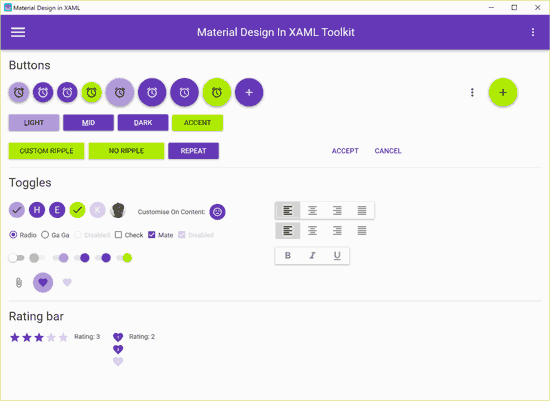 The Toolkit contains styles and variants for most XAML controls, as well as different color palettes that can be changed both at design time and at runtime.
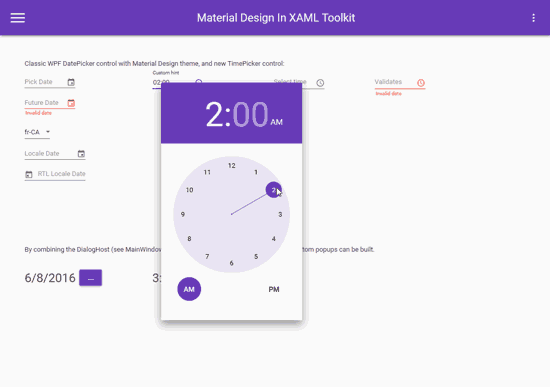
Material Design XAML is completely Open Source and compatible with other frameworks, such as MahApps and Dragablz. Furthermore, its implementation is compatible with the MVVM design pattern.
Material Design XAML is available to install from NuGet, either through the package installer or from the console with the following command:
Install-Package MaterialDesignThemes
All the information about this great framework is available on its website http://materialdesigninxaml.net/.
The code is available on GitHub at this link. It includes a highly recommended (almost essential) sample application with the different controls and styles we can include in our projects.
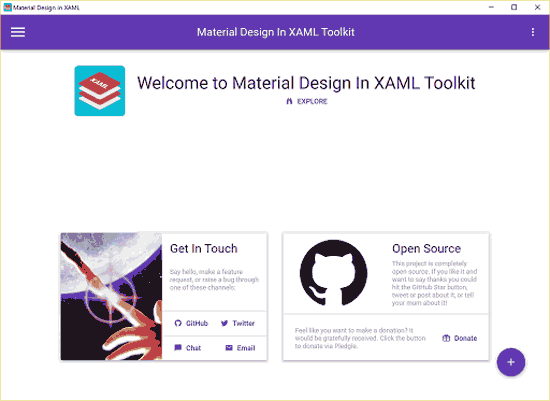
In short, a highly recommended framework for creating modern UIs in WPF and UWP applications that is certainly worth taking a look at.
