In this post, we are going to look at the main CAD (Computer-Aided Design) software available, within our section dedicated to 3D design and printing.
In the previous post, we saw different alternatives and types of programs for 3D design, because not everything is CAD in 3D design. On the other hand, given its importance and its application in 3D printing, we left CAD software to be examined in depth in this post.
So, we are going to do a brief review of the available CAD software, both commercial, free, and Open Source. Although we will especially focus on the latter because they are the ones we can normally use in the domestic, maker, and educational fields.
Logically, we won’t be able to analyze (or even mention) all CAD software because the number is enormous. But we will see the main industry leaders, with some of their characteristics.
The goal, as in the rest of the posts in the series, is to gain some “culture” in the 3D world, in this case by seeing the main CAD software. At least, so we recognize the names.
Free / Open Source CAD Software
FreeCAD
FreeCAD is the main Open Source CAD software and represents a great effort by the community to provide a free, cross-platform CAD alternative.
It features most of the characteristics of commercial CAD software, such as parametric design, operation tree, and part assembly. It includes the usual 2D and 3D drawing and operation tools found in most CAD software.
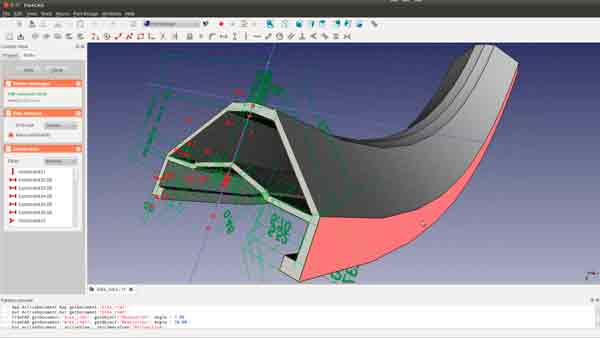
Logically, despite being an important achievement of the Open Source community, it is still more limited than commercial CAD software. But it is more than enough for most users, including domestic and maker users.
FreeCAD has a large user base, abundant documentation, and tutorials on the internet, making it one of the main options for the domestic and maker field.
For me, it is the best available option for domestic and personal use. Its capabilities are not as powerful as others and, above all, the UI has much room for improvement. But it is the best Open Source option available (and almost the only one).
Design Spark Mechanical
DesignSpark Mechanical is a free CAD software resulting from the collaboration between RS Components and SpaceClaim Corporation, especially designed for 3D printing projects. It presents an interface with a fairly professional look, while being comfortable and simple for any user.
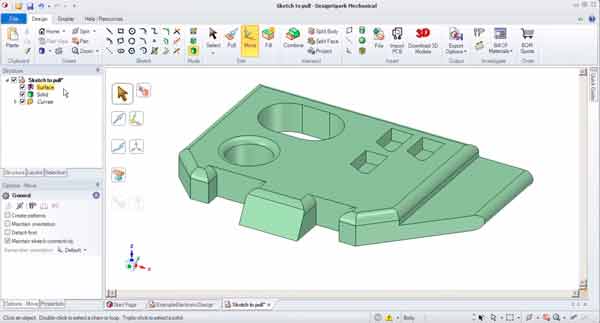
The drawing method of DesignSpark Mechanical is based on direct design tools, such as extruding faces, moving and rotating faces, and rounding. However, the tools are limited and it lacks the advanced operations traditional in a CAD.
Nevertheless, its simple use and pleasant interface make it a good option for low-medium level users, and it is sufficient for many 3D printing parts.
Sketch Up - Free
We couldn’t fail to mention Sketchup in its free version, a program that thanks to its simplicity has gained great popularity for making quick designs and sketches. It is widely used, for example, in creating volumetric concepts in architecture.
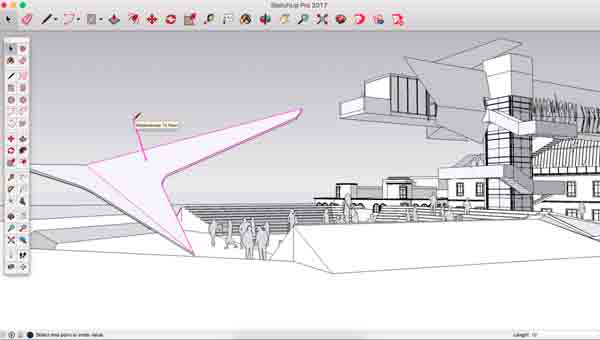
In its free version, Sketchup is a Web application that includes simple functions for direct solid drawing like moving, extruding, and rotating faces. It allows exporting to STL, so the models can be used for 3D printing.
TinkerCad
We finish the section with TinkerCad, a free Web application for CAD drawing of simple parts. It is suitable for those who are starting out, especially for teaching and educating the youngest.
TinkerCAD works with primitives (boxes, spheres, cylinders), along with a simple way of editing (moving, rotating, and scaling) and boolean operations between them.
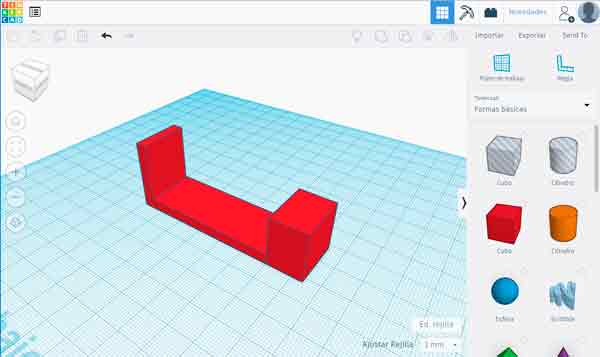
It is designed to be very easy to use, although, logically, it is only useful for simple models. Models can be exported to STL, so they are valid for 3D printing.
Commercial CAD Software
Low-Range Sector
In this category, we include those CAD programs with a cost below 1000€, although with reduced drawing capabilities compared to other commercial software.
We start by mentioning AutoCAD, the undisputed leader in 2D CAD which also incorporates 3D functions. Although in 3D it is very limited, especially due to the interface, sometimes it can be sufficient for simple models.
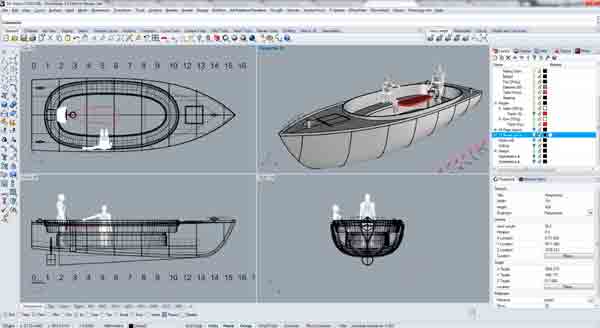
We also have Rhinoceros, a fairly famous software based on Nurbs surface drawing, which stands out for its low price compared to more complex options.
We also have Sketchup Pro, the paid version of Sketchup that adds many new functions such as CAD model export and import or solid modeling tools.
Finally, we have Fusion 360, a bet by Autodesk to develop a cloud-based, collaborative CAD software that incorporates solid, surface, and mesh functions simultaneously.
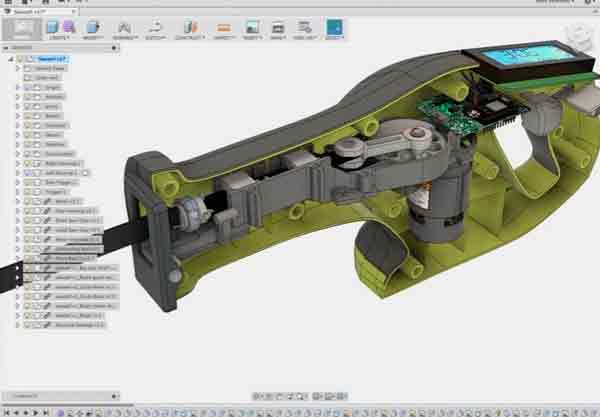
Originally Fusion360 had a license for makers and hobbyists that allowed us to use it for non-commercial projects. Later they made licensing changes that placed very important restrictions on its use. It remains a valid option for domestic projects, although I do not recommend its use due to the uncertainty it generates for me.
Mid-Range Sector
Here we include software whose license cost is between 1000 - 10000€. They are the most widespread range of CAD in small and medium-sized companies.
All these software incorporate the “traditional” CAD functions, such as solid operations, surfaces, drafting, parametric design, direct editing, PDM integration, export to machines.
Furthermore, they are beginning to incorporate (or already have to some degree, but are focused on improving) more advanced features such as finite element simulation, electrical design, generative design, tools for additive manufacturing, and reverse engineering.
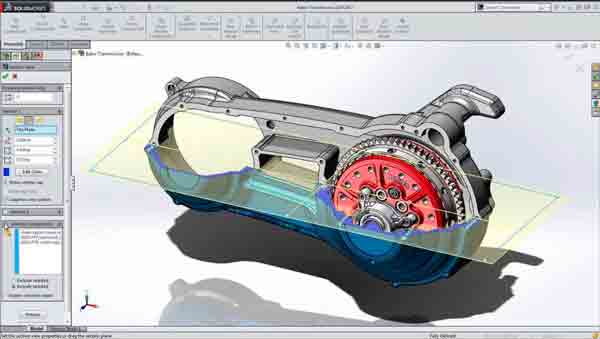
Within the category, we highlight Solid Works by the French company Dassault, surely the most well-known and widespread CAD software.
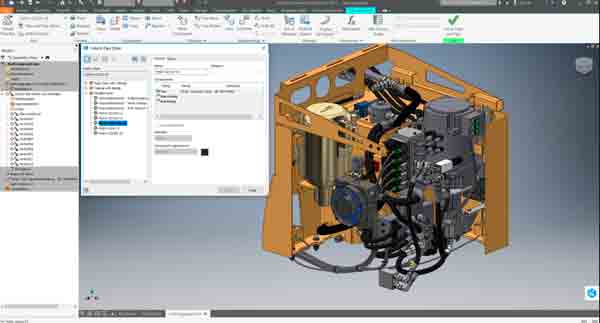
We also have Autodesk Inventor, the mid-range CAD alternative from the American company, which integrates with the rest of the company’s software to form a powerful and professional Suite.
Finally, we have Solid Edge by Siemens, which has a certain presence in Europe, although it is less known outside of it. Especially notable for its direct editing tools (synchronous mode). 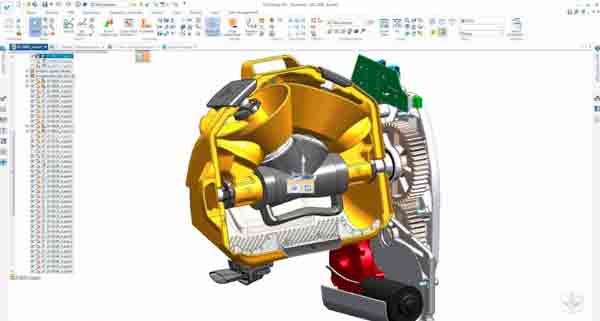
High-Range Sector
Here we have the most advanced, powerful, and expensive CAD software. They incorporate advanced surface design functions, advanced multiphysics simulation, and the most advanced calculation functions.
Due to their cost and complexity, we won’t focus too much on this software as it is difficult for us to use them within the maker and hobbyist field (unless you happen to have a spare Catia license lying around
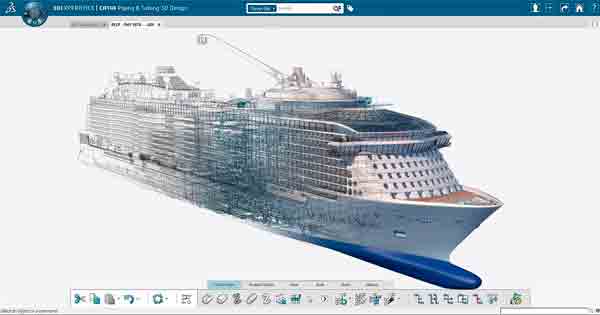
Surely the reference is the all-powerful Catia by Dassault. Catia is widely used in the aerospace, naval, and automotive industries.
Other options are Unigraphics by Siemens and Creo Parametric (formerly Pro/e) by PTC Corporation, a CAD software widely used in the USA. Finally, mention Autodesk Alias, a software focused on curved surface design, used in automotive and conceptual design.
Conclusion
If you have access to a license for any of the Mid-Range or higher commercial CAD software (Solid Works, Inventor, SolidEdge…) my advice is to use it without any doubt. You will have a powerful tool and, furthermore, you will be improving and gaining experience in something, so to speak, that “you can put on your CV”.
If that’s not the case, and you have to use exclusively CAD from the hobby and maker field, the logical option is FreeCAD. It represents an important effort by the community to achieve software with many of the functions of commercial software.
And you, what CAD software do you use? Do you miss any CAD software in this post? If you want, leave us your comment!