
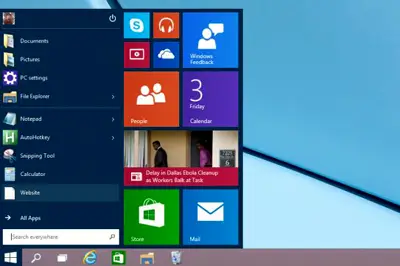
Since the early versions of Windows, it has always been possible to access the folder containing the Start Menu shortcuts.
This made it easy to create folders, create or delete shortcuts, and, in short, organize the Start Menu to our liking.
However, Microsoft is determined to hide things more and more with each version. In Windows 10, although this same folder exists, it is no longer as easy to find as right-clicking, as was the case in previous versions.
Don’t worry, it’s still very easy to access via the Run function, which we can quickly open by pressing “Windows key + R”.
Running “Shell
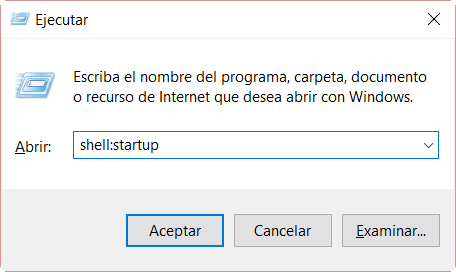
While running “Shell
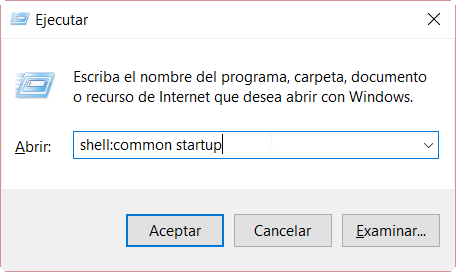
With these commands we will reach the Start Menu’s startup folder which contains (some of) the applications that load when the computer starts. Sorry for the confusing names, but they are both called almost the same thing.
If from here we want to get to the Start Menu, which contains all the shortcuts, it’s very easy. Simply click on “Start Menu” in the address bar.

