
Today we are going to look at Postman, one of those applications that should not be missing from our toolkit, and which has achieved such popularity that it is almost a standard tool for Web developers.
The main function of Postman is simply to make HTTP requests (GET, POST, DELETE, UPDATE…) to an address of our interest. This is very useful for interacting with Web APIs and even for testing our own developments.
It was originally created as a Chrome extension. However, stand-alone applications now also exist for Windows, Linux, and Mac.
Postman allows us to modify all the parameters of the request. Thus, we can edit the request header. We can also edit the content and add fields in Json, XML, or plain text, among others.
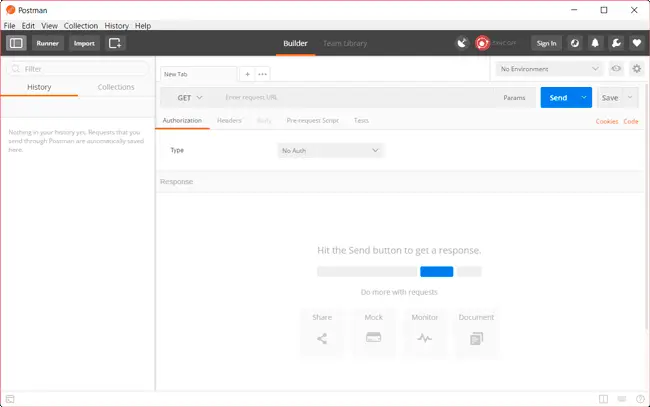
Postman is very useful and interesting for testing our REST APIs. We can test all the functionalities of our API without having to write a single line of code. This represents a great time saving in all stages of development.
It is also very useful for connecting with third-party APIs, for example in IoT. Using a web browser, we can record the requests made and then use Postman to emulate the signals. When we are satisfied with the result, we can start coding our own interface.
Of course, it has many more interesting features, such as including tests, creating variables, or creating test collections. It is even possible to automate tests in combination with Jenkins.
Postman is free, although there is a Premium version that adds additional features. The main one is to provide a collaborative environment to store and share Postman configurations with our work team.
In short, a simple but very powerful application that has become a common tool for any Web developer. It is available at https://www.getpostman.com/.
