
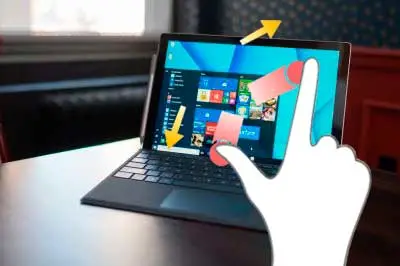
If you own a Microsoft Surface, you may have experienced that it stops zooming with your fingers. The rest of the touch functions work normally, but those that use more than one finger are simply ignored.
This usually happens after a major Windows update, although it’s not something I have fully verified. What is certain is that sometimes you will find that functions associated with two-finger gestures (zoom and rotate, mainly) stop working completely. Restarting the computer does nothing. It just stops working!
Fortunately, it is very easy to fix this problem in a few seconds and permanently. Or well, until the next major Windows update
To do this, we must do the following:
- Turn off the computer completely. Preferably in the conventional way from Windows. But if necessary, turn it off by holding down the power button.
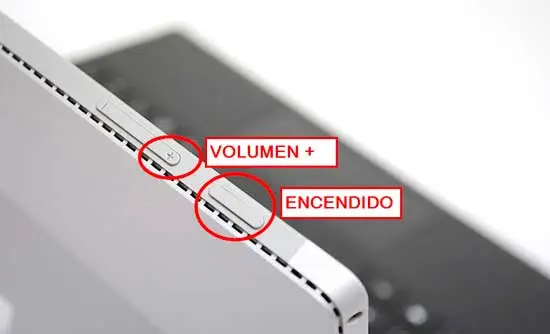
- Once completely off, press the POWER + VOLUME UP buttons simultaneously for more than 15 seconds. During the process, the BIOS will probably appear. It doesn’t matter, ignore it completely and continue pressing both buttons.
- Once more than 15 seconds have passed, release the buttons.
 4. Start the Surface again.
Fixed! If everything went well, you will be able to zoom with your fingers again. And if it stops working at any time, simply repeat this simple procedure.
