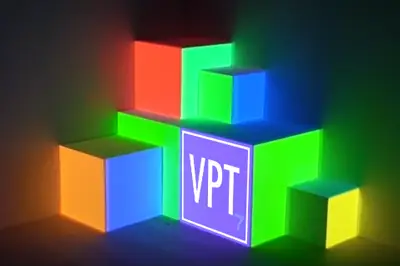
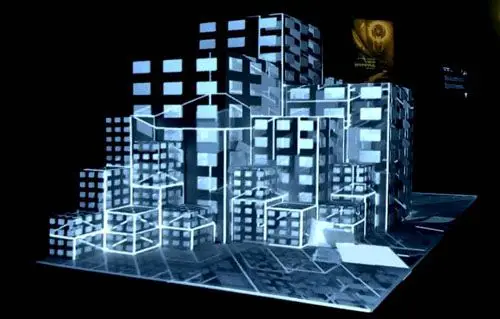
Projection Mapping is a technique that involves projecting images onto a three-dimensional object. The projected videos are warped to fit the surface of the real object.
It’s a technique that has recently gained great popularity, and we can frequently see it in performance halls, concerts, building inaugurations, and even on television. A search on YouTube will show you a large number of Projection Mapping examples (some of them with truly spectacular effects).
Traditionally, performing Projection Mapping was a complex process that involved drawing the object in 3D, rendering the video onto its faces, and an expensive projector calibration process to align the virtual and real scene.
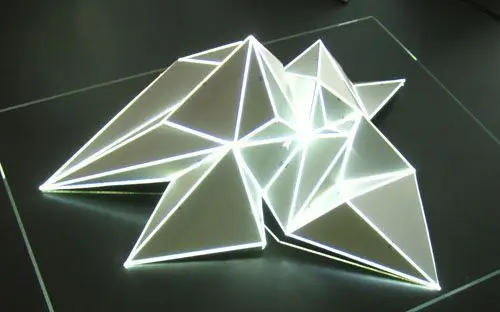
However, the rise of this technique has led to the appearance of specific software that makes using this technique much easier. These programs are based on dynamically warping the projected videos to adapt to the object. There’s no need to draw the object in 3D and calibrate the camera. The adjustment is done quickly “on-site”.
Most of this software is commercial and aimed at concert halls, DJs, and other shows that combine light, video, and sound. Fortunately, free applications have also appeared that allow you to perform Projection Mapping from a personal computer, and even from a tablet.
One of these free applications for doing Projection Mapping is the VPT program, a real-time projection program created by HC Gilje, available for Mac and Windows, and completely free.
VPT is available at this address. It requires the installation of QuickTime Player.
Using VPT 7
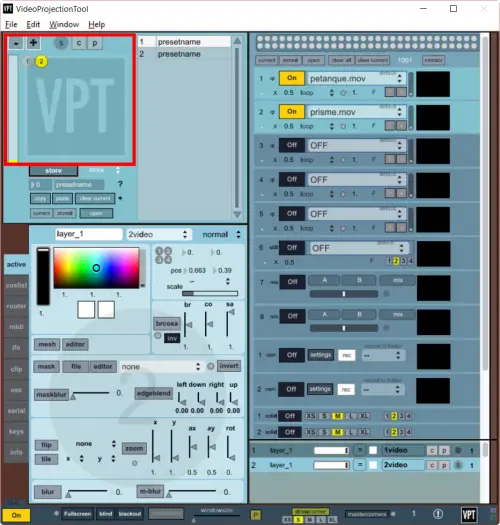
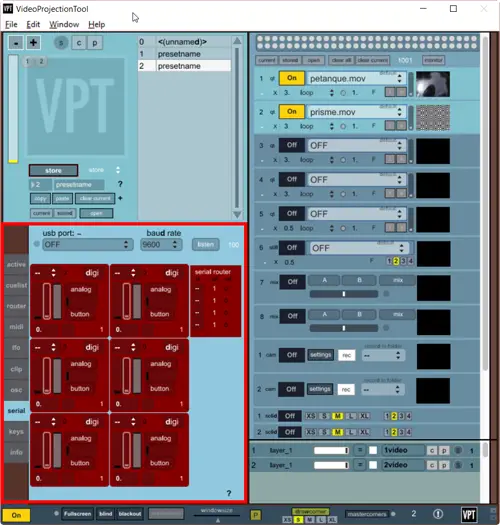
To start with VPT, we begin by adding layers, which generally will correspond to each of the videos we want to project.
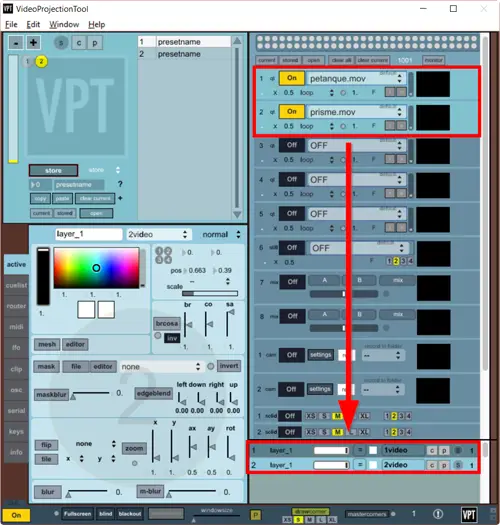
Next, we select the videos or images (sources) we want to project, and assign them to the different layers.
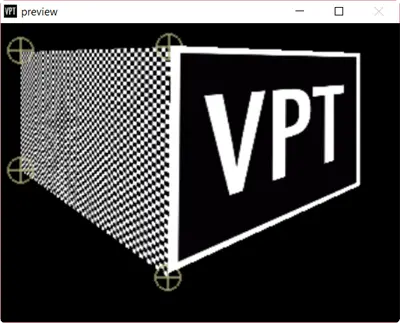
We use the anchor points to warp each layer until it aligns with our real object. We can also create masks to hide part of the projection, or warp the video using a control grid to adapt it to more complex or curved geometries.
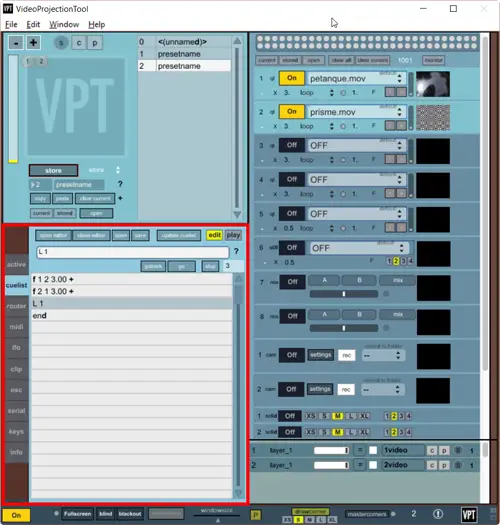
We save each layer and source configuration as a “Preset”. We use the “Cuelist” to temporally define changes and transitions between different “Presets”.
Finally, we can also control the serial port to connect VPT7 with Arduino. We can, for example, use inputs to control the presentation from a remote control, or motion or presence sensors. Or, we can use the outputs to turn on lights or motors, and create striking effects.
For more information, consult the program’s documentation and help files.
As you can see, VTP7 is a free and very powerful program that allows you to do complex Projection Mapping easily. We can even send and receive signals to communicate with other devices, using Arduino and the serial port.
From here, the only limit is your imagination. With a bit of video editing work (inevitable in any solution), we can achieve truly spectacular Projection Mapping effects.