
Spck Editor is a free code editor designed for programming from mobile devices running the Android operating system.
This free code editor features GitHub support, making it a very useful tool for developers who need to manage their projects directly from their mobile devices.
Spck Editor is primarily geared towards web development, with HTML and JavaScript. But you can use it for any language or repository you have.
In fact, I am using it to organize the blog content, which is stored in markdown files in a private repo. This way I can edit or consult them from my phone.
The Spck Editor interface is one of its strong points. It is very complete but, at the same time, simple and intuitive. It feels “well” made, with common sense. It’s like having the IDE you always wanted on your phone.
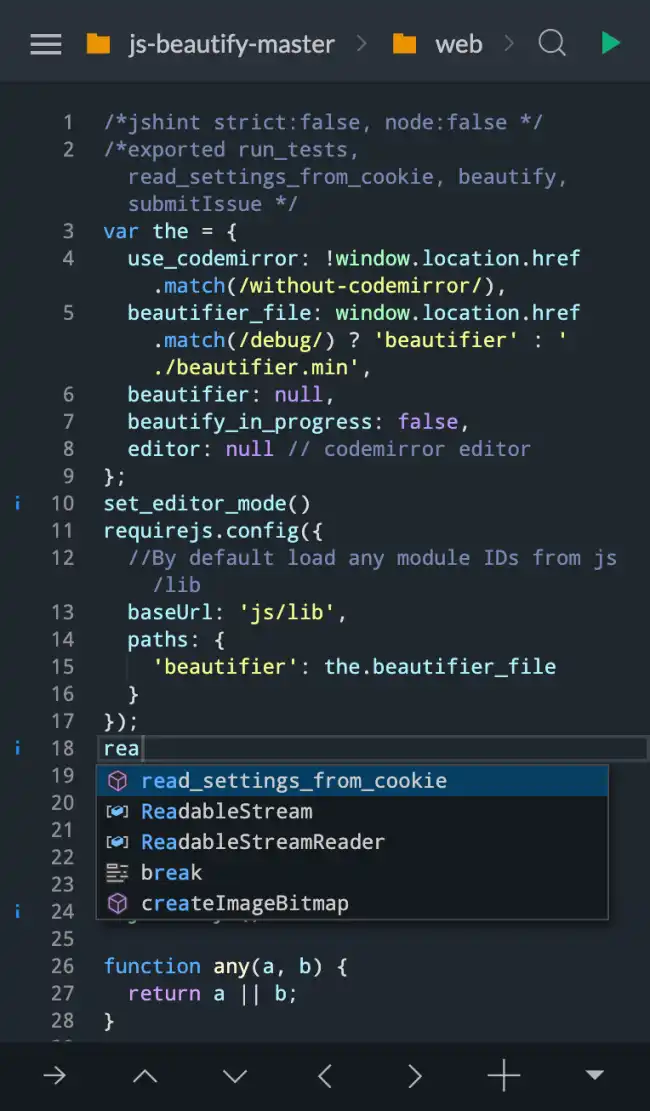
The other major advantage of Spck Editor is the integration with GitHub. We can configure our repositories and perform the most common and simple operations, like commits, fetch, pull, push.
However, the synchronization functions are not as powerful as on a computer. So use it carefully, as I’ve gotten into a mess a couple of times and had to delete the repo from the phone and reconfigure it (losing the changes, obviously).
Of course, programming from a mobile device can be a bit of a nightmare. On a tablet with a keyboard, it might be “more or less” possible. And even then, I wouldn’t exactly recommend it to anyone (unless you really have no other choice).
But sometimes many of us have wanted to have a more or less functional IDE that allows us to consult and edit our repos from our phone. If that’s your case, you should probably give Spck Editor a try.
Unfortunately, it is not Open Source (which would have been really nice, honestly). You can find more information on the project’s website at https://spck.io/
