In this post, we are going to look at mRemoteNG, a great tool for establishing an SSH connection to our Raspberry Pi from a Windows computer.
At this point in the Raspberry Pi section, we are more than accustomed to connecting via SSH to our device. From a Linux computer, the SSH connection is straightforward and can be done using just the terminal.
On the other hand, in Windows we will need some additional software. The usual solution is to use the well-known Putty, software that allows connections via SSH, Telnet, or Serial Port.
However, despite its popularity and simplicity, Putty also suffers from certain limitations. Fortunately, in Windows we have other alternatives like the excellent mRemoteNG.
mRemoteNG is an Open Source development that provides a better interface and functionalities. For example, it has a tabbed interface that allows having several connections open simultaneously.
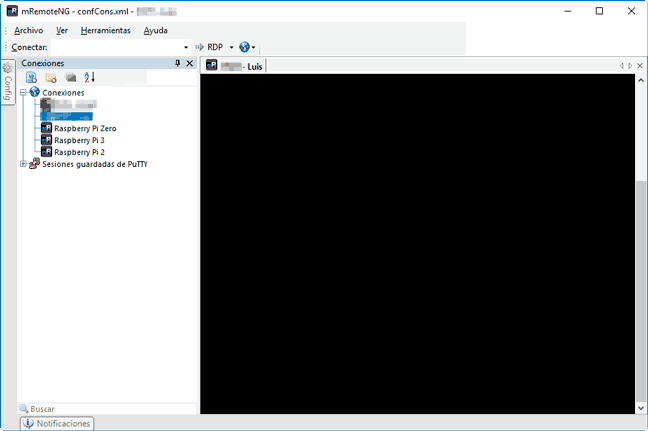
Furthermore, it allows you to conveniently store several saved connections, each with its configuration (including username and password) to quickly establish a connection with our usual devices.
It is compatible with SSH (Secure Shell), RDP (Remote Desktop/Terminal Server), VNC (Virtual Network Computing), ICA (Citrix Independent Computing Architecture), Telnet (TELecommunication NETwork), HTTP/HTTPS (Hypertext Transfer Protocol), rlogin, and Raw Socket Connections.
mRemoteNG is only available on Windows, and its installer can be downloaded from its website. Its code is available at this link.
In short, a very interesting and recommended tool for the many Windows users who need to connect via SSH to a system like the Raspberry Pi.