

Technitium DNS Server is a cross-platform DNS server solution that we can use to block ads and malware on our network.
It is a solid alternative to other well-known solutions like Pi-hole, frequently used on Raspberry Pi, with the advantage that we can use it on Windows, macOS, and Linux.
Basically, instead of using public DNS servers, we will configure our devices to use Technitium DNS Server, which we will have installed on our computer.
The installation is simple, and we can use it right away without the need for additional configurations.
To achieve this, Technitium DNS Server has a list of servers that are kept up-to-date and are blacklisted for containing ads or malware.
When computers on our network query an address from Technitium, it will verify if the requested address is blocked and simply return nothing. This prevents ads from appearing or, in the case of malware, from being downloaded.
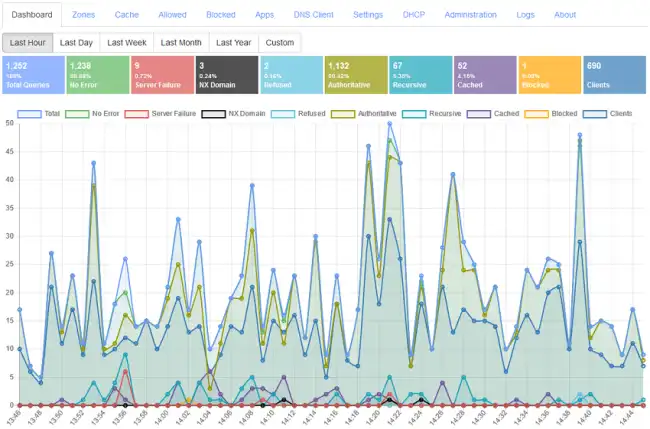
By installing our own DNS, we are protecting all devices on the network, including mobile devices. Furthermore, in general, we might even notice an improvement in our network speed.
Technitium focuses its strengths on being cross-platform and on security. It supports DNSSEC validation and can also act as an encrypted DNS server using DNS over TLS.
Additionally, it has the ability to log all DNS queries received, which is very interesting for generating graphs and statistics on the number of ad or malware requests we have blocked through its use.
Technitium DNS Server is Open Source, and all documentation and code are available on the project’s page https://technitium.com/dns/ and its repository https://github.com/TechnitiumSoftware/DnsServer
